Blog
WhatsApp Automation: The Complete Guide to AI Chatbots, Sales & Customer Support in 2026
October 26, 2026
6 min read
Customers expect businesses to respond quickly. Whether someone is enquiring about a car test drive, booking a hotel room, renewing an insurance policy or requesting property details, delayed communication can create friction and lost opportunities.
Yet many organisations still rely on employees to manually handle repetitive WhatsApp conversations, follow-ups and customer updates.
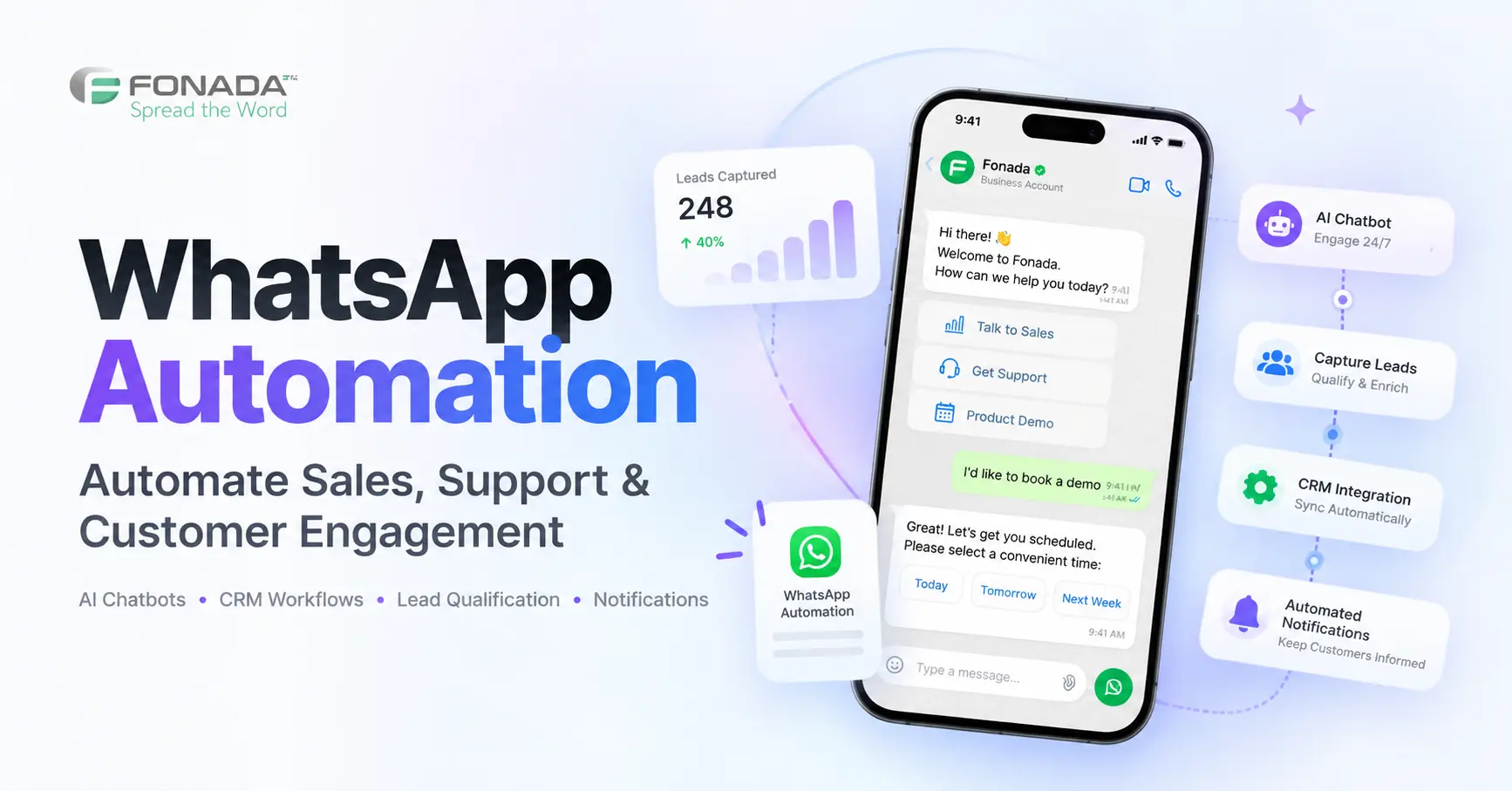
WhatsApp automation allows businesses to automate customer messages, respond to enquiries, qualify leads, schedule appointments and connect conversations with business systems through predefined workflows and AI-powered chatbots.
With the WhatsApp Business Platform, businesses can move beyond basic auto-replies and create automated customer journeys that connect WhatsApp with CRM systems, AI agents and other communication channels.
Fonada AI helps organisations build conversational workflows across WhatsApp, AI Voice, Chatbots and business applications.
In this guide, we explain how WhatsApp automation works, the features businesses should look for, the costs involved, practical industry use cases and how to implement it effectively.
What Is WhatsApp Automation?
WhatsApp automation is the process of using software, business rules, APIs and artificial intelligence to automatically manage WhatsApp messages and customer interactions.
It includes everything from sending an appointment confirmation to using an AI chatbot that understands customer questions and retrieves relevant information.
For example, when a potential customer submits an enquiry on a car dealership's website, an automation workflow can:
-
Capture the enquiry in the CRM.
-
Send an approved WhatsApp acknowledgement.
-
Ask the customer which vehicle they are interested in.
-
Collect their preferred test-drive date.
-
Notify the appropriate sales representative.
-
Send a booking confirmation once the appointment is confirmed.
Each step can happen through connected business systems without requiring an employee to manually enter the same information repeatedly.
However, the exact capabilities depend on the provider, integrations, message permissions and workflow configuration.
What Can Businesses Automate on WhatsApp?
Common use cases include customer enquiry responses, lead qualification, appointment reminders, order updates, customer service, sales follow-ups, payment notifications, booking confirmations and feedback collection.
The objective is not to eliminate human conversations. It is to automate repetitive tasks so teams can focus on situations where personal assistance adds greater value.
How Does WhatsApp Automation Work?
Most WhatsApp automation workflows follow three stages: trigger, decision and action.
Step 1: A Trigger Starts the Workflow
A trigger can be an incoming WhatsApp message, a new CRM lead, a website form submission, a booking confirmation or a scheduled service reminder.
For example, a customer submits a request for a property brochure.
Step 2: The System Determines the Next Action
The workflow identifies what should happen next.
A rule-based automation might check whether the customer is requesting a brochure, price list or appointment.
An AI chatbot can interpret a more flexible request such as, "I'm looking for a 3 BHK apartment near Noida with a budget of ₹1 crore."
The system can collect additional requirements, subject to its configured capabilities.
Step 3: The Platform Responds or Updates a System
The automation can send information, collect responses, record lead details, route the enquiry to a representative or trigger another connected workflow.
This model also applies to sales follow-ups. Organisations combining messaging with telephone conversations can explore how to automate lead qualification using AI Voice and WhatsApp.
That approach is useful when customers move between phone calls and text conversations during their purchase journey.
WhatsApp Business App vs WhatsApp Business API Automation
The WhatsApp Business App and WhatsApp Business Platform support different levels of business communication.
| Feature | WhatsApp Business App | WhatsApp Business Platform |
|---|---|---|
| Typical users | Small businesses | Growing businesses and enterprises |
| Greeting and away messages | Built-in | Configurable through connected software |
| Advanced workflows | Limited | Supported |
| AI chatbots | Not a standard built-in feature | Supported through compatible integrations |
| CRM integration | Limited | Available via APIs and connected platforms |
| Approved automated templates | Limited app capabilities | Supported |
| Custom business processes | Limited | Supported through integrations |
| Analytics | Basic | Depends on the connected platform |
For organisations that need complex automation, connected sales workflows and CRM integration, the WhatsApp Business Platform is generally more suitable.
Key Features of WhatsApp Automation Software
1. AI-Powered WhatsApp Chatbots
An AI WhatsApp chatbot can understand common customer questions and respond based on configured information, business rules or connected systems.
Unlike a simple menu-based chatbot, a conversational AI agent can handle different ways of asking the same question.
For example, a customer might write:
"Do you have a room for two people this Saturday?"
or:
"Need a double room for the weekend. What's available?"
An appropriately configured chatbot can identify that both customers are asking about room availability.
Businesses planning to develop their own bot can follow Fonada's detailed guide on how to create a WhatsApp chatbot, including setup, integration and deployment considerations.
2. Automated Lead Generation and Qualification
Collecting contact details is only the beginning of lead management.
A business also needs to determine the customer's requirements, buying timeline and next steps.
WhatsApp automation can ask qualifying questions such as:
-
Which product or service are you interested in?
-
What is your preferred budget?
-
When do you plan to make a decision?
-
Would you like a demonstration or consultation?
-
What is your preferred appointment date?
These answers can help sales teams prioritise leads based on relevant criteria.
3. CRM Integration
WhatsApp automation becomes more valuable when conversations connect to systems already used by employees.
Possible integrations include CRM platforms, booking systems, payment providers, support software and internal APIs.
For example, a new lead submitted through a website can be recorded in a CRM, followed by an automated WhatsApp acknowledgement and an assigned sales task.
This reduces repeated data entry and makes follow-ups easier to coordinate.
4. Personalised Customer Communication
Automated messages can use customer information such as a booking reference, appointment date, product category or order status.
The goal is to make communication relevant, not simply insert the customer's name.
A vehicle service reminder containing the appointment date and service-centre location is more useful than a generic promotional message.
5. Automated Notifications and Campaigns
Businesses can configure messages for events such as service due dates, registration confirmations, appointment reminders and order status changes.
Promotional messaging must respect the applicable WhatsApp policies, consent requirements and template approvals.
6. Human Agent Handover
Automation should not trap customers in a chatbot.
Customers need access to human assistance for complex questions, complaints, exceptional requests and sensitive issues.
An effective workflow identifies when escalation is required and transfers useful context to the responsible team where supported.
7. Reporting and Analytics
Useful performance measurements include enquiry response time, lead qualification rate, booking completion rate, human handover rate and customer support resolution.
Businesses should assess whether automation improves outcomes, not simply whether it generates more messages.
WhatsApp Automation Use Cases by Industry
Different industries need different workflows. A single generic chatbot is unlikely to address every business process effectively.
WhatsApp Automation for Automotive Dealerships
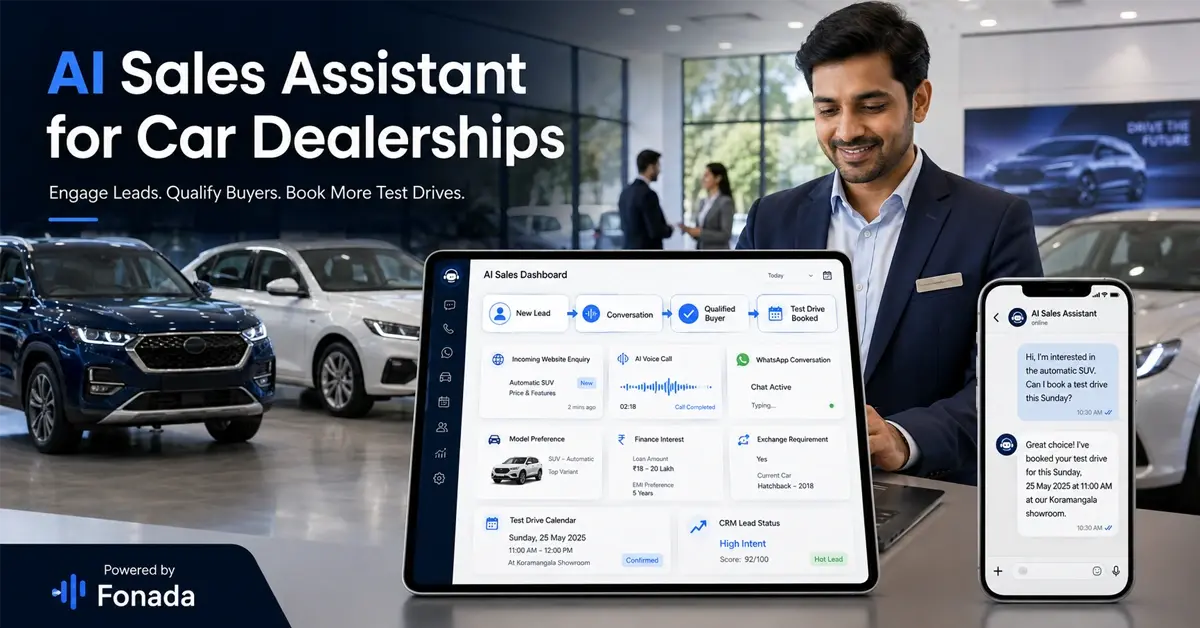
Automotive dealerships manage vehicle enquiries, test-drive requests, service bookings and customer follow-ups.
A connected WhatsApp workflow can help buyers request brochures, identify vehicle variants, submit preferred test-drive dates and receive appointment confirmations.
Service teams can also use approved notifications for service appointments and reminders.
For a detailed industry implementation, read Fonada's guide to WhatsApp Business automation for the automobile industry.
The main objective is to make dealership communication faster and more organised across sales and after-sales activities.
WhatsApp Automation for Real Estate
Property developers, brokers and channel partners often receive enquiries through advertisements, property portals and social media.
Customers may enquire about the same project at different times, request brochures or ask for site visit availability.
WhatsApp automation can collect budget preferences, property requirements, preferred locations and site visit dates.
For a complete marketing workflow, explore real estate marketing with the WhatsApp API.
Fonada also publishes a real estate example describing 100 confirmed site visits in three days using a WhatsApp bot.
Such results should be evaluated alongside the original campaign's lead sources, audience, reporting method and booking definitions before being treated as a benchmark for other businesses.
WhatsApp Automation for Hotels and Travel Businesses
Hotels receive repeated questions about room availability, check-in times, booking details, local transportation and amenities.
WhatsApp automation can help manage these questions and direct guests to relevant information.
When connected to a property management or booking system, a chatbot may be able to retrieve availability, facilitate booking requests and communicate confirmations.
Fonada's article on WhatsApp automation for hotels and lodging explores these workflows in more detail.
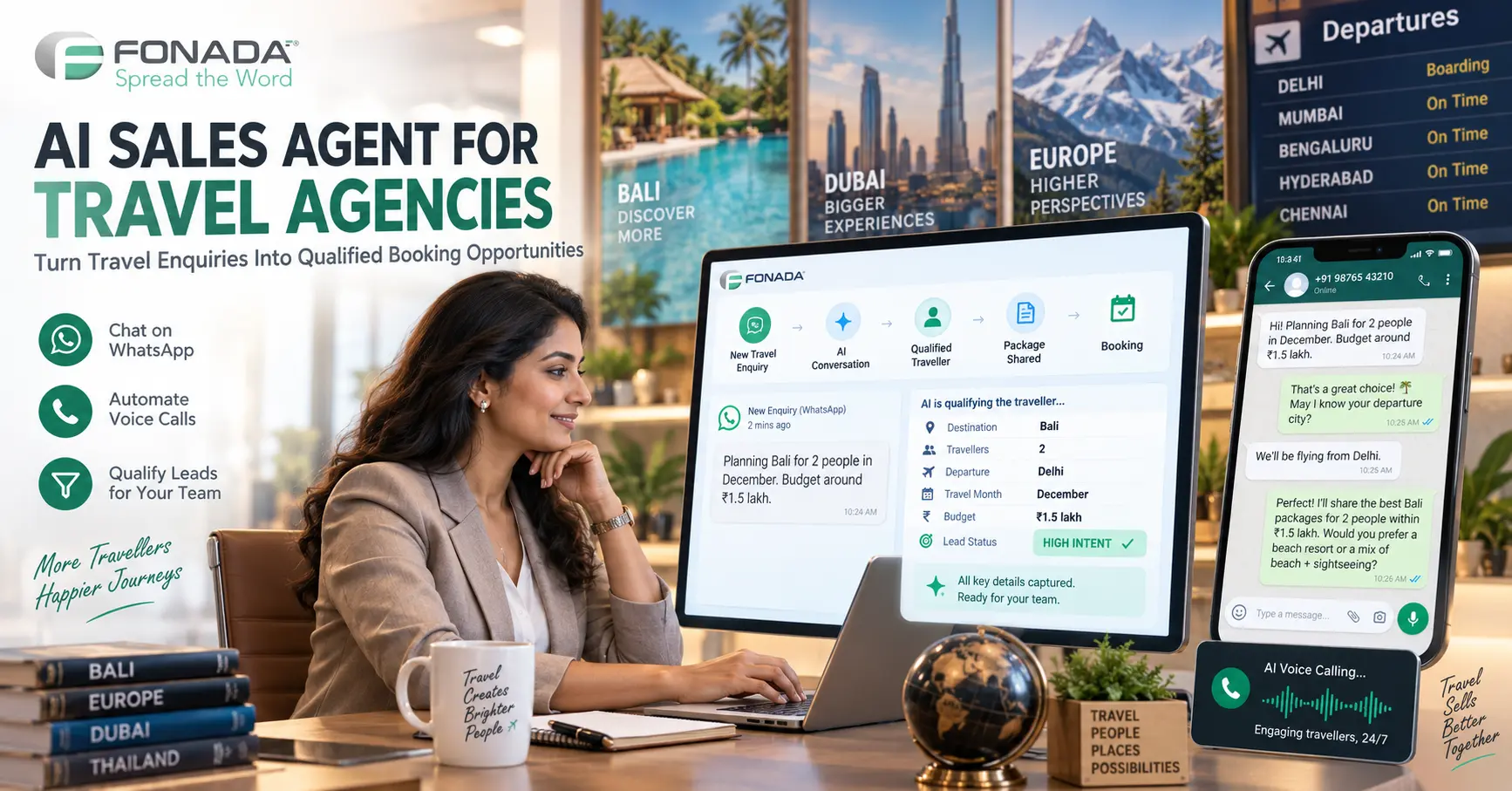
Travel agencies can use similar automation for package enquiries, itinerary sharing, booking updates and customer support.
WhatsApp Automation for Insurance
Insurance agents frequently manage enquiries, renewal reminders, policy servicing and customer documentation.
For example, an approved automated workflow can notify a policyholder when a renewal date is approaching, provide relevant instructions and route complex questions to an authorised representative.
Fonada's guide to WhatsApp automation for insurance agents discusses policy enquiries, renewal campaigns and customer engagement.
Insurance workflows must include suitable privacy, identity verification and compliance controls, particularly where personal financial or health information is involved.
WhatsApp Automation for Banking and Fintech
Banking and fintech businesses handle product enquiries, service requests, account notifications and customer support.
WhatsApp automation may help with branch appointment requests, general FAQs, application status messages and routing to secure customer-service channels.
Read Fonada's guide to WhatsApp chatbots for banking and financial services for industry-specific applications.
Sensitive transactions should rely on approved authentication and secure system integrations rather than treating possession of a WhatsApp number as sufficient proof of identity.
WhatsApp Automation for Healthcare
Hospitals and diagnostic laboratories can use WhatsApp workflows for appointment confirmations, general enquiries, test preparation instructions and home collection requests.
For example, a patient can enquire about a test, submit a preferred appointment time and receive confirmation after the booking is validated by the scheduling system.
Patient confidentiality, message access and applicable healthcare privacy requirements should be considered during implementation.
WhatsApp Automation for Education
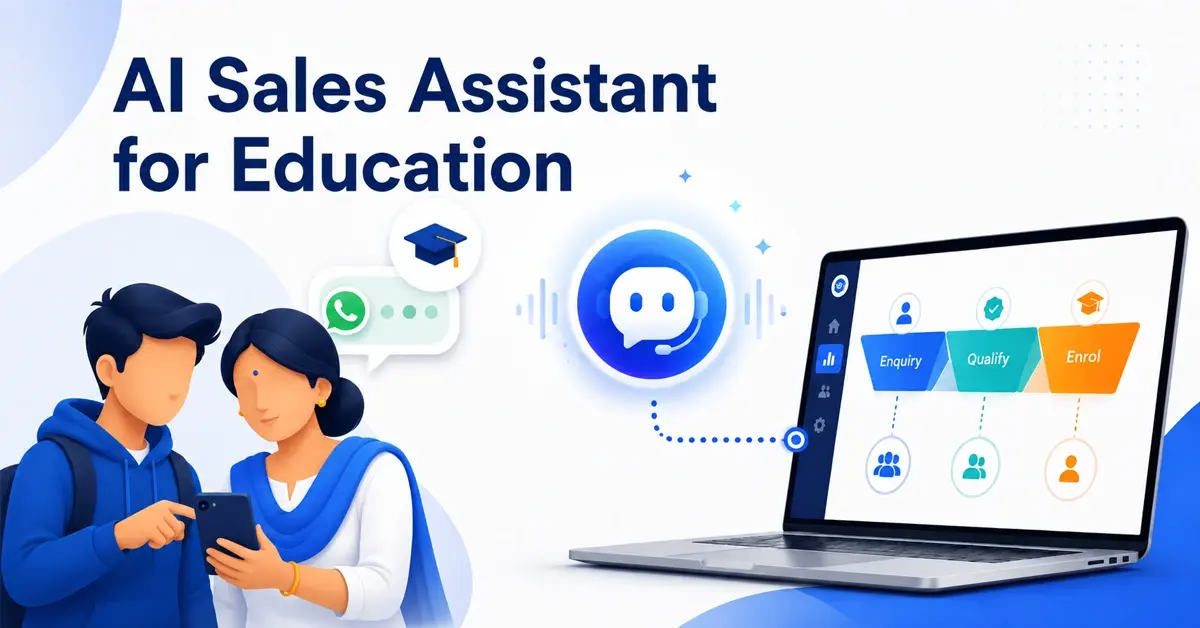
Schools, colleges and EdTech companies receive course enquiries, admission questions, webinar registrations and counselling requests.
An automated workflow can share course information, collect programme preferences and help students request an appointment with an admissions counsellor.
This allows the admissions team to focus on more complex decisions rather than repeatedly answering standard questions.
WhatsApp Automation Pricing in 2026
WhatsApp automation costs depend on the messaging model, provider, traffic volume and additional software used.
Businesses should evaluate four categories.
1. WhatsApp messaging charges
Meta's applicable messaging rates and policies influence the cost of business-initiated communication.
2. Automation platform charges
A provider may charge for software access, campaigns, users, workflow execution or other platform capabilities.
3. AI and integration costs
AI-generated conversations, custom APIs and external systems may introduce additional processing or implementation charges.
4. Operational costs
These include monitoring, maintenance, support and human interventions.
For businesses managing promotional messaging at scale, marketing-message economics deserve separate attention.
Fonada's article on WhatsApp Max Price for fintech marketing, bidding and costs explains a specialised pricing-control mechanism used with Meta's Marketing Messages API.
This feature should not be confused with a universal price or pricing control for every WhatsApp message category.
How to Calculate WhatsApp Automation ROI
A practical ROI assessment should compare the total cost of automation with measurable business benefits.
Automation ROI (%) = [(Financial benefit − Total automation cost) ÷ Total automation cost] × 100
Consider a hypothetical business that spends ₹25,000 on automation and attributes ₹60,000 of incremental gross profit or verified cost savings to the workflow during the same period.
Its illustrative ROI would be:
(₹60,000 − ₹25,000) ÷ ₹25,000 × 100 = 140%
This is a mathematical example, not a claimed Fonada customer result.
Actual ROI depends on enquiry quality, customer response, implementation costs, campaign design and the reliability of revenue attribution.
WhatsApp Automation vs AI WhatsApp Chatbots
These terms are related but not interchangeable.
WhatsApp automation describes the broader system of automated messages, workflows and business actions.
An AI WhatsApp chatbot is a conversational component that can interpret customer requests and generate responses.
| Requirement | Rule-Based Automation | AI Chatbot |
|---|---|---|
| Standard acknowledgements | Suitable | Suitable |
| Appointment reminders | Suitable | Can support connected workflows |
| Fixed menu conversations | Suitable | Suitable |
| Flexible customer questions | Limited | Better suited |
| Contextual follow-up | Limited | Supported when configured |
| CRM actions | Integration required | Integration required |
| Human handover | Configurable | Configurable |
Businesses do not necessarily need AI for every use case.
A delivery confirmation or standard appointment reminder may be handled through a simple rule-based process.
A customer enquiry involving multiple requirements may benefit from conversational AI.
The best solution often combines both approaches.
Why Combine WhatsApp Automation with AI Voice?
Not every customer prefers messaging.
Some customers want to speak to a representative, especially when discussing pricing, urgent requirements or detailed product information.
A connected WhatsApp and AI Voice workflow can accommodate these preferences.
Consider a real estate enquiry:
-
A buyer submits a form requesting information about a residential project.
-
An approved WhatsApp message acknowledges the enquiry.
-
The customer requests a callback.
-
A connected voice workflow initiates a permitted call.
-
The agent collects relevant requirements.
-
The CRM is updated.
-
An appropriate WhatsApp confirmation follows.
With the right integration, this allows the business to manage different communication preferences within a coordinated customer journey.
How to Set Up WhatsApp Automation with Fonada AI
Step 1: Define a Specific Use Case
Choose a process such as lead qualification, appointment booking, service notifications or customer support.
Define what successful automation should accomplish.
Step 2: Configure the WhatsApp Business Platform
Complete the applicable onboarding, business information, number configuration and permission requirements.
Step 3: Build the Workflow
Configure triggers, decision rules, messaging steps and escalation conditions.
If conversational AI is required, define the agent's instructions, knowledge sources, authorised actions and limitations.
Step 4: Connect Your Business Systems
Integrate the workflow with relevant CRMs, booking platforms or internal APIs where supported.
Step 5: Configure Approved Message Templates
Create and submit templates as needed for the applicable messaging purpose.
Step 6: Test Real Customer Scenarios
Test expected enquiries, unclear questions, incomplete information, invalid data and requests for a human representative.
Step 7: Launch and Measure
Begin with a controlled rollout.
Track delivery, response rates, qualified leads, bookings, escalations and relevant customer outcomes.
Refine the workflow using real performance data.
How to Choose the Best WhatsApp Automation Platform
Before selecting a solution, ask:
-
Does it support the official WhatsApp Business Platform?
-
Can it manage both automated templates and interactive conversations?
-
Is conversational AI available when required?
-
Does it connect to the business's existing CRM?
-
Can customers be transferred to human representatives?
-
Are messaging and platform costs transparent?
-
Does it offer suitable security and role-based access?
-
Can it coordinate WhatsApp with other communication channels?
-
Can performance be measured against business outcomes?
-
Can the platform be tested with real business workflows?
Avoid choosing software solely on the number of features advertised.
A smaller workflow that reliably solves an important business problem may deliver more value than a complex implementation with poor customer outcomes.
Why Consider Fonada for WhatsApp Automation?
Fonada AI supports businesses developing conversational AI and communication workflows across multiple channels.
Its ecosystem includes WhatsApp, AI Voice, Chatbots, Web Widgets and RCS, along with integration options for connected business applications.
Organisations can explore Fonada for:
-
AI-powered WhatsApp conversations
-
Business messaging workflows
-
Lead qualification and customer engagement
-
API-connected business actions
-
Coordinated WhatsApp and Voice journeys
-
Customer support automation
The relevant capabilities, pricing and integrations should be confirmed for the intended deployment.
Explore Fonada WhatsApp AI: https://fonada.ai/channels/whatsapp/
Conclusion: From Automated Messages to Connected Customer Journeys
WhatsApp automation can help businesses manage enquiries, improve follow-up consistency and reduce repetitive communication tasks.
But sending automatic replies is only one part of a successful customer journey.
The greater opportunity lies in connecting conversations with CRM data, business processes, AI agents and human teams.
Fonada brings together WhatsApp, AI Voice and other conversational technologies, helping organisations explore more connected customer communication workflows.
Automate WhatsApp Conversations with Fonada AI
Build AI-powered WhatsApp workflows for lead qualification, customer support, appointments and business notifications.
FAQs
Yes. Some platforms offer visual workflow builders and no-code configuration. More advanced integrations may still require developer assistance.
The WhatsApp Business App provides basic automatic messaging features. Advanced API-based automation may involve platform fees, messaging charges and integration costs.
Yes, subject to customer consent, applicable messaging windows, approved templates and WhatsApp policies.
It can capture enquiries, ask qualifying questions, organise customer information and route suitable prospects to sales teams.
The WhatsApp Business Platform provides communication APIs. A chatbot is software built using compatible capabilities to handle customer conversations.
Yes. Compatible automation platforms can connect with CRM systems through APIs, webhooks and supported integrations.
Yes, particularly for repetitive enquiries, appointment confirmations and basic customer communication. The appropriate solution depends on enquiry volume and budget.
Yes. Compatible systems can coordinate WhatsApp messages with voice workflows, subject to integration, consent and configuration requirements.
There is no single best platform for every business. Evaluate WhatsApp API capabilities, AI features, CRM integrations, support, security, pricing and the ability to test your actual use case.
WhatsApp automation means using software to send messages, respond to customer enquiries and perform connected business tasks automatically through WhatsApp.
Share
.gif "Side Bar Gif")
Subscribe To Our Newsletter
Get updates and learn from the best
Oct 14, 2026
How AI Agents Are Transforming the Healthcare Call Center in 2026
Imagine a patient calling a hospital to book an appointment. The phone keeps ringing. The receptioni... Read More
Oct 09, 2026
How Diagnostic Labs Can Automate Test Bookings and Home Collection Requests
Introduction: Every Missed Call Could Mean a Lost Test Booking A pa... Read More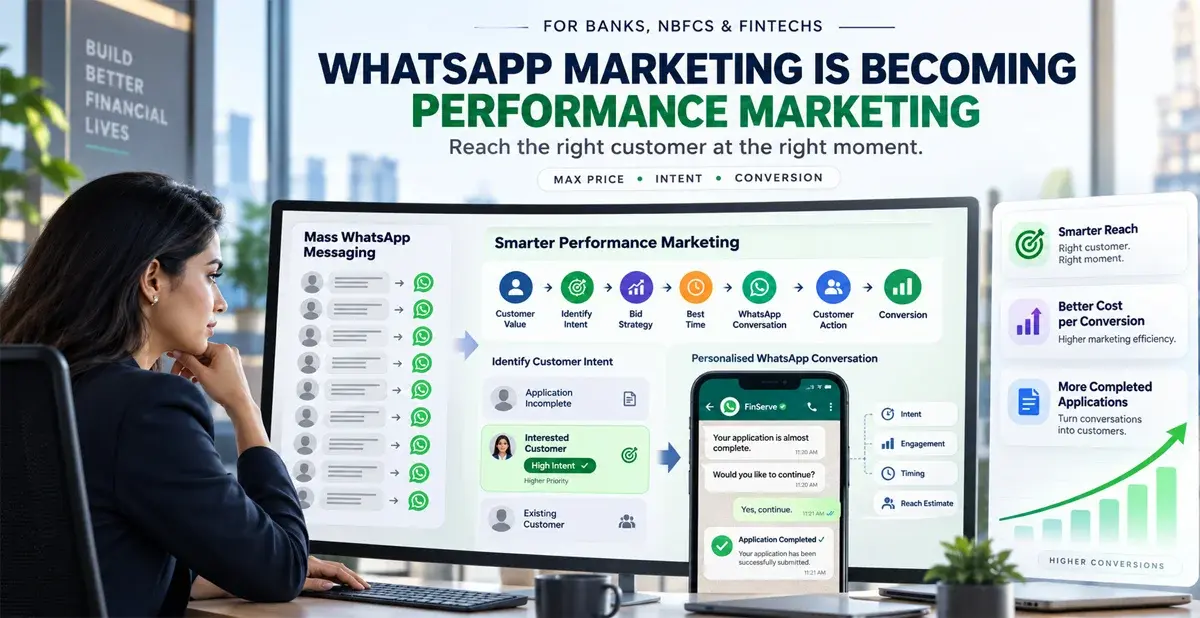
Sep 28, 2026
WhatsApp Marketing Bidding for Fintech in India: Meta Max Price, Timing & Delivery Guide (2026)
Meta is moving WhatsApp marketing beyond a fixed-price messaging model... Read MoreLatest Updates
From Fonada
Industry Insights, Trends, Innovations, Updates, and Case Studies from Industry Experts
View
Customer
Reviews
Discover why our customers love us - read their authentic and heartfelt reviews!
View
Case
Studies
Explore real-life scenarios, offering analysis, and solutions to practical challenges
View
Convert Leads Into Sales With Fonada
Trusted CPaaS Solution Provider